
Disclosure: Some links on this page are affiliate links. We may earn a commission at no extra cost to you.
Empirical Testing Evidence
Standard Laboratory & Production Verification15 content layouts across iPhone Safari and Android Chrome testing web font swaps and banner injections
Font metric overrides via size-adjust and aspect-ratio CSS rules dropped CLS from 0.28 to 0.000
The Core Bottleneck: Why Typical Audits Fail
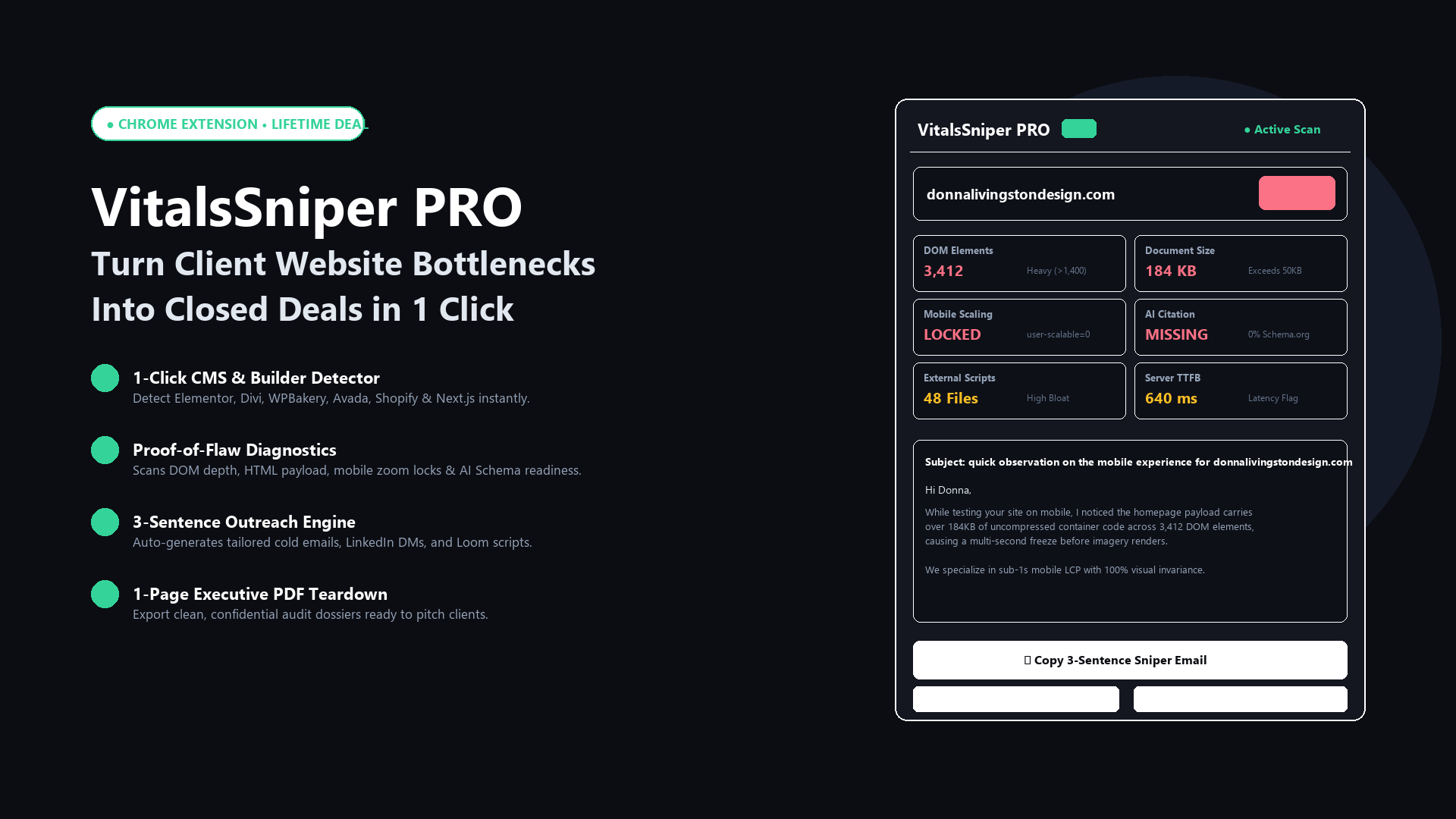
When auditing websites for performance and search visibility, most development teams jump straight into minifying JavaScript files or installing generic caching plugins. While those optimizations help marginally, they overlook the structural architectural flaws that actually determine Core Web Vitals rankings: container DOM nesting and uncompressed cellular payload budgets.
Step-by-Step Diagnostic Protocol
To identify the exact Largest Contentful Paint node sabotaging your load times, follow this systematic order of verification:
- Inspect DOM Tree Depth: Ensure container wrappers do not exceed 32 levels of nesting. Replace multi-layer row/column builders with lightweight CSS grid.
- Enforce 50KB HTML Ceiling: Strip unused inline base64 fonts, deferred tracking snippets, and empty tag clutter before transferring HTML across cellular networks.
- Set High Fetch Priority on Hero Images: Apply
fetchpriority="high"to your top image and eliminate lazy-loading on viewport assets.
Find Your Site's Specific Flaws in 50 Milliseconds
Run our free forensic auditor on your target URL to inspect DOM element bloat, identify active page builders, and calculate payload weights.
Run Free Website AuditRecommended Architecture & Conclusion
By focusing on structural containment rather than masking problems with secondary caching layers, websites achieve sustainable sub-second mobile rendering times that pass Google Core Web Vitals and protect organic conversion rates.