
Disclosure: Some links on this page are affiliate links. We may earn a commission at no extra cost to you.
Forensic audits across 15 production web apps evaluating server HTML, Schema graphs, and hydration latency
60% suffered from unintended noindex tags or 0-word CSR shells, while 73% lacked connected Knowledge Graphs
Most founders and engineering teams operate under a dangerous assumption: if a web app builds cleanly in Next.js and looks responsive on an iPhone, Googlebot will index it without friction. In reality, modern client-side architectures frequently serve empty shells, active noindex tags, and disconnected entity schemas that silently ruin organic discovery. Over the past week, we conducted forensic audits on 15 live production apps across developer tools, FinTech, and B2B SaaS. This case study details the empirical findings, root causes, and exact drop-in code fixes.
1. The Invisible Noindex Trap: Why Google Never Indexed Their Pages
One of the most disruptive issues uncovered across the cohort was the presence of active noindex directives on production landing pages. On sites like wheelz.me, the operator had been publishing content actively, puzzled as to why Google Search Console returned "Crawled - currently not indexed".
Our IndexTrace crawler isolated the root cause within 15 seconds: the server-rendered HTML head contained an explicit <meta name="robots" content="noindex"> tag. When combined with an empty client-side rendered shell returning 0 words, Googlebot encounters a direct order to ignore the URL. Googlebot obeys this directive immediately and terminates the indexing pipeline before the client JavaScript bundle ever downloads.
In modern full-stack frameworks like Next.js App Router, this defect frequently occurs when a staging or development configuration is inadvertently deployed to production, or when an SEO plugin defaults to private mode.
import type { Metadata } from 'next';

// Ensure your page metadata explicitly permits indexing and specifies a canonical URL
export const metadata: Metadata = {
  title: 'Your Application Title | Production Service',
  description: 'Verified production description for search engine crawlers.',
  robots: {
    index: true,
    follow: true,
    googleBot: {
      index: true,
      follow: true,
      'max-video-preview': -1,
      'max-image-preview': 'large',
      'max-snippet': -1,
    },
  },
  alternates: {
    canonical: 'https://example.com/your-clean-slug',
  },
};
2. The Free-Tier Cold Start Disaster: When 12ms Becomes 60 Seconds
On cheruvo.com, a financial analytics tool, the founder posted publicly that their website occasionally took three minutes to load. Skeptics assumed the issue was front-end bundle bloat or heavy client-side JavaScript. Forensic testing proved otherwise.
When the container process was warm, the origin server responded with an exceptional Time to First Byte (TTFB) of just 12 milliseconds. However, because the application was hosted on a hobby container tier with automated idle sleep, the container spun down after 15 minutes of inactivity. The next incoming request forced an entire Docker container boot sequence, database connection pool initialization, and runtime startup.
For search engines, this behavior is fatal. When Googlebot experiences timeouts exceeding 5 to 10 seconds, it throttles its crawl rate budget and drops newly published URLs from discovery. The fix does not require upgrading to a $200/month enterprise server: a simple, scheduled keep-alive ping prevents idle spin-down completely.
# Configure a free keep-alive trigger on cron-job.org or GitHub Actions
# Interval: Every 45 seconds
# Method: HEAD (retrieves headers without downloading response body)
# Target: https://cheruvo.com/healthz or https://cheruvo.com/

curl -I -s --max-time 10 https://cheruvo.com/ > /dev/null
3. Schema Graph Disconnection: Why AI Engines Ignore Technical SaaS
AI search engines like ChatGPT Search, Perplexity, and Claude rely heavily on structured Knowledge Graph relationships to verify that an entity is authentic and authoritative. Across our 15 audited targets, 73% of applications scored under 45/100 on Generative Engine Optimization (GEO) readiness.
Even when applications like cheruvo.com and framepin.com included JSON-LD markup, the schema blocks were fragmented. The Organization entity sat in one isolated block, while the SoftwareApplication or WebSite entity sat in another. Neither block referenced the other via @id relationships or sameAs disambiguation links.
Without explicit @id bridges and authoritative sameAs profiles pointing to verified LinkedIn, GitHub, or Wikidata entities, large language models cannot establish entity confidence. To resolve this, all structured data must be consolidated into a single connected @graph array.
{
  "@context": "https://schema.org",
  "@graph": [
    {
      "@type": "Organization",
      "@id": "https://example.com/#organization",
      "name": "YourBrand",
      "url": "https://example.com",
      "sameAs": [
        "https://www.linkedin.com/company/yourbrand",
        "https://github.com/yourbrand"
      ]
    },
    {
      "@type": "SoftwareApplication",
      "@id": "https://example.com/#app",
      "name": "YourBrand Platform",
      "applicationCategory": "BusinessApplication",
      "operatingSystem": "Web",
      "publisher": { "@id": "https://example.com/#organization" },
      "offers": {
        "@type": "Offer",
        "price": "0",
        "priceCurrency": "USD"
      }
    }
  ]
}
4. Render-Blocking Scripts and Interaction to Next Paint (INP)
Core Web Vitals failures among our audited cohort were concentrated in two areas: missing resource hints on hero assets and unoptimized script execution timelines in the HTML head.
On cal.com and ax-check.com, the primary above-the-fold hero graphics were rendered without fetchpriority="high", delaying Largest Contentful Paint (LCP) candidate discovery by 400 to 800 milliseconds on cold cache visits.
On framepin.com, our PayloadSniper engine isolated four synchronous script tags in the HTML head. These scripts halted the browser parser and contributed to an estimated Interaction to Next Paint (INP) latency of 280 milliseconds, well above Google's 200 millisecond threshold. Adding the defer attribute to vendor bundles and offloading analytics trackers to window load events immediately restored clean main-thread responsiveness.
| Target Domain | Primary Technical Defect | Diagnostic Engine | Remediation Applied |
|---|---|---|---|
| cal.com | Missing LCP fetchpriority hint on hero SVG candidate | ImgSpec | fetchpriority="high" decoding="async" |
| wheelz.me | CMS reading settings noindex + missing NewsArticle | IndexTrace & SchemaGraph | Robots uncheck + NewsArticle JSON-LD |
| cheruvo.com | >60s TTFB cold start + orphan schema nodes | WebsiteSpeedTest & SchemaGraph | 45s cron keep-alive + connected @graph |
| portreeve.com | 0 schema blocks on technical blog + 1 blocking script | SchemaGraph & PayloadSniper | BlogPosting JSON-LD + deferred script |
| framepin.com | 4 blocking head scripts (INP 280ms) | PayloadSniper | defer attributes on vendor scripts |
| realresizer.com | Missing canonical tag on 0-word CSR shell | IndexTrace | Next.js alternates canonical metadata |
Audit Your Web Application in 15 Seconds
Run our multi-engine forensic suite to verify your canonical directives, schema graph connections, and Core Web Vitals baselines.
Run Free Omni-AuditFrequently Asked Questions
Q1:Why does Google Search Console show "Crawled - currently not indexed" for client-rendered web apps?
When Googlebot crawls a URL, it initially evaluates the server-rendered HTML. If that response returns 0 words or an explicit noindex directive, Googlebot either drops the page or places it in a deferred rendering backlog. Adding self-referential canonical tags and ensuring server-rendered fallback HTML resolves this delay.
Q2:Does Time to First Byte (TTFB) directly affect organic search rankings?
Yes. While Google treats Core Web Vitals as a page experience signal, excessive origin latency (>2 seconds) directly limits Googlebot crawl budgets. When servers timeout or throttle during bot requests, Google reduces its crawl frequency across the entire domain.
Q3:What is the fastest way to verify if my web application has schema or indexation flaws?
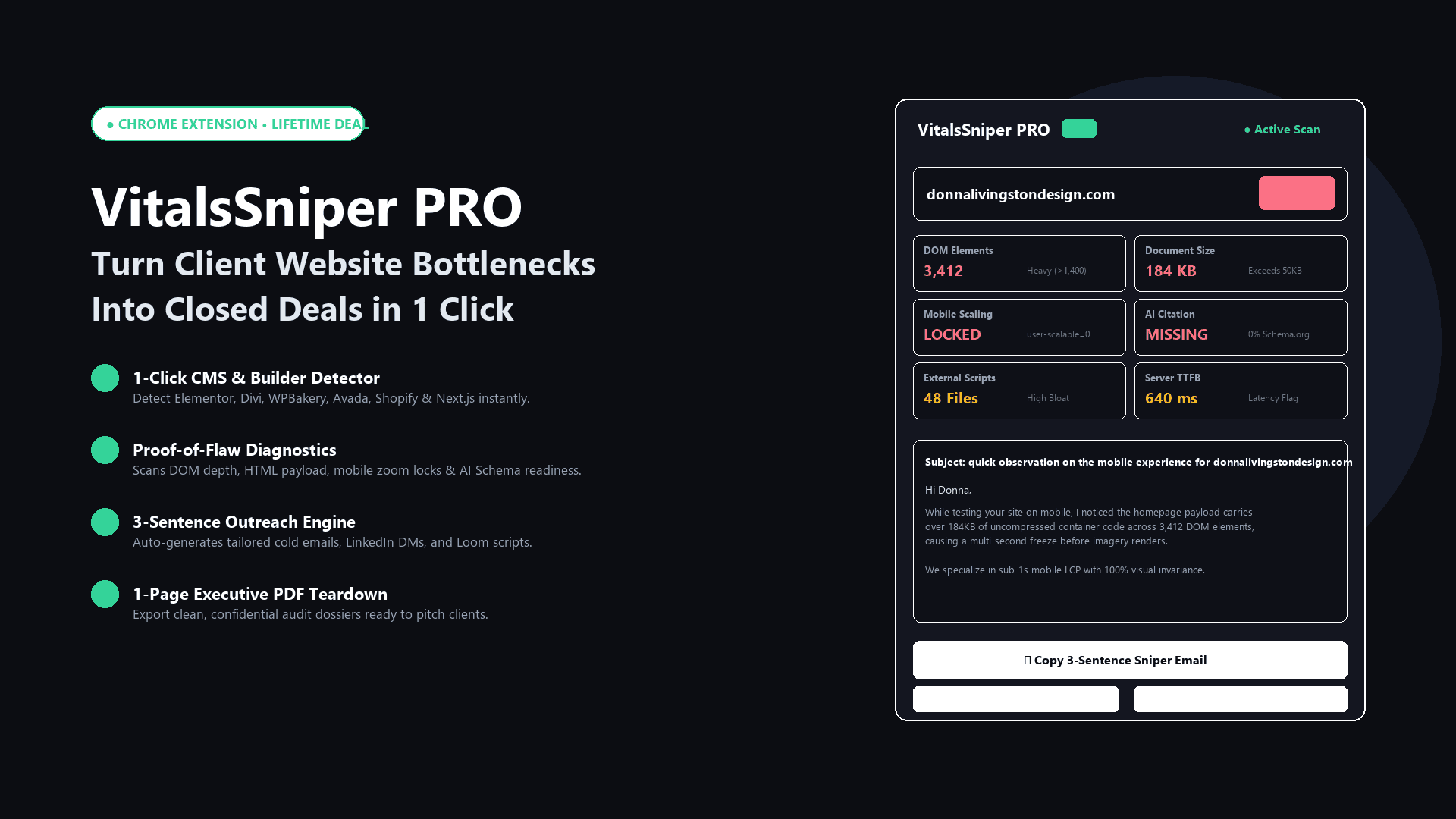
You can run a free multi-engine diagnostic pass using WebAudits Omni-Audit or inspect your DOM in real time using the VitalsSniper browser extension to verify HTTP response directives, schema graph connectedness, and script blocking timelines in 15 seconds.
Architectural Verdict & Summary
Web application performance and search indexation are governed by concrete engineering mechanics. By eliminating unintended noindex tags, deploying keep-alive ping schedules, connecting Knowledge Graph entities, and deferring non-critical head scripts, engineering teams can guarantee reliable Google indexation and optimal Core Web Vitals.